

Live maths lessons with interactive applets
Start a live lesson with one click, show any Math Explorer applet and let your class explore along on their own laptop or tablet. Pupils join with a code, without an account.
No payment details needed for the trial. Stop whenever you like.
Join your lesson
No account needed. Your teacher gives you the code.
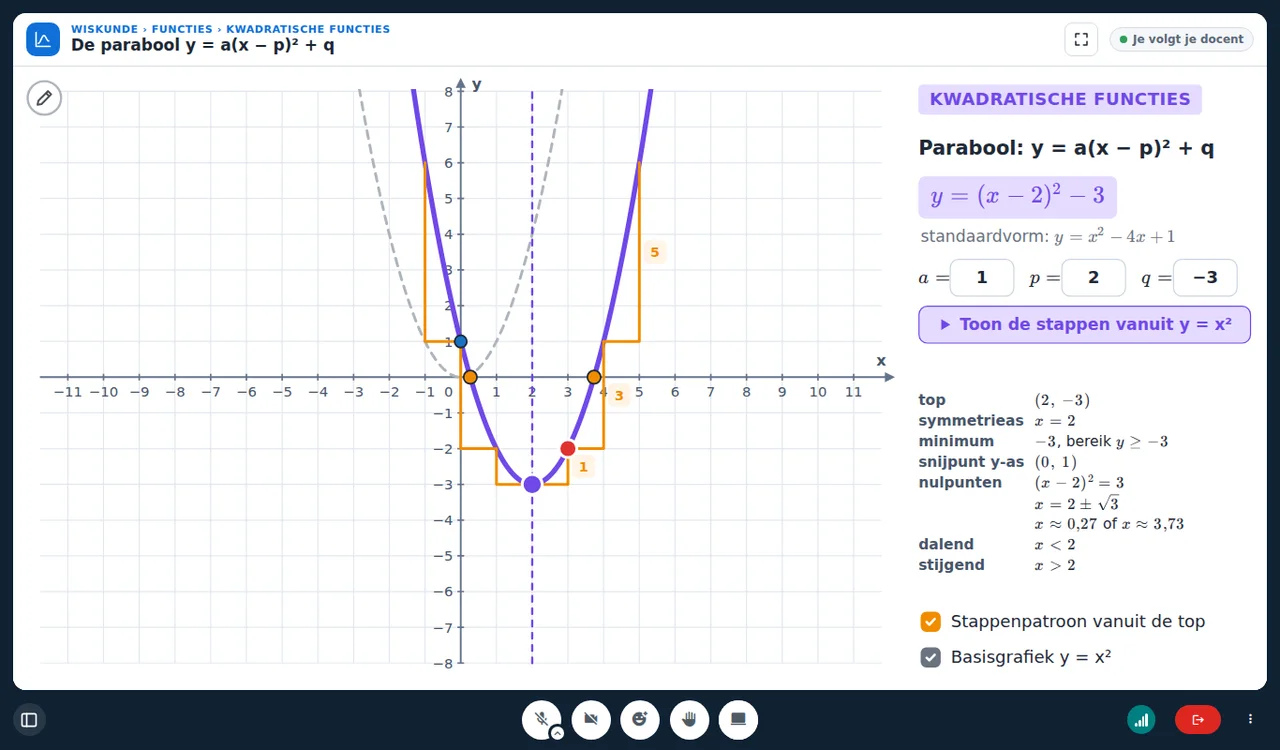
How it works
From sign-up to your first live lesson in five minutes.
- 1
Create your class
Give it a name and a colour. Every class gets a permanent code and a link.
- 2
Share the code
Put the code on the board or the link in your school system. Pupils type their name and wait for you.
- 3
Start the lesson
One click opens the lesson with the list of applets. Pick one, and the whole class sees it.
Everything for a good online maths lesson
590+ interactive applets
Geometry, algebra, functions, fractions, trigonometry and more, from primary school up to exam level. In Dutch, English and Turkish.
The class follows you
Show an applet to everybody and work it out together, or let every pupil explore a copy of their own. One click switches.
No accounts for pupils
Pupils type the class code and their name, and they are in. Want names you can count on? Give every pupil a personal link.
Works on the school network
Sound and image also travel over port 443, like an ordinary website. Laptops, Chromebooks and tablets: a browser is enough.
Privacy built in
No recordings, no pupil accounts, as little data as possible, servers in Europe. A data processing agreement for your school is ready.
In the classroom or online
In the classroom nobody needs sound: pupils follow the applet on their own screen. Online you teach with sound and cameras. The whiteboard is always one click away.
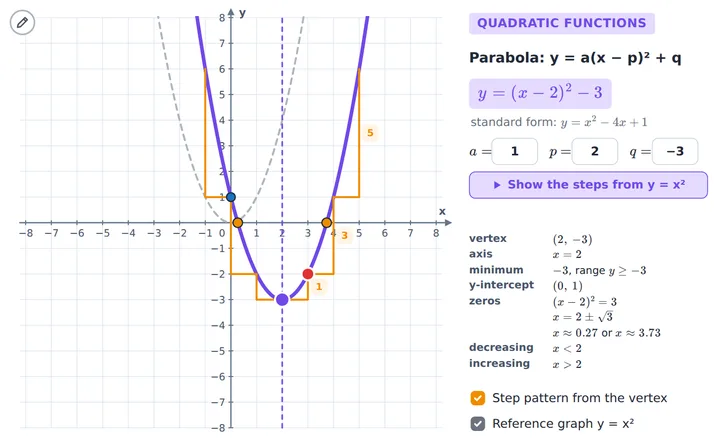
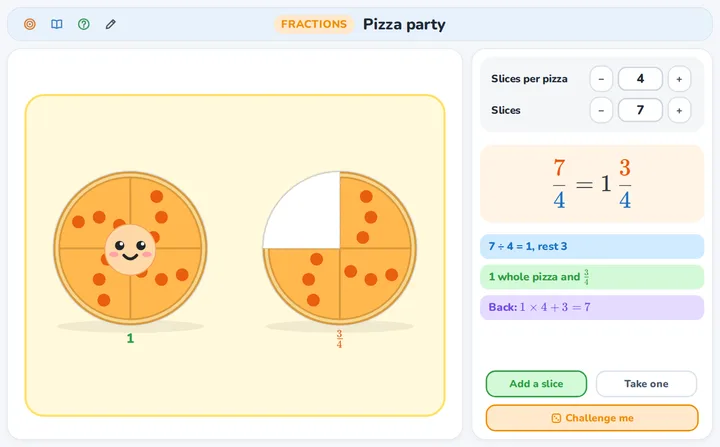
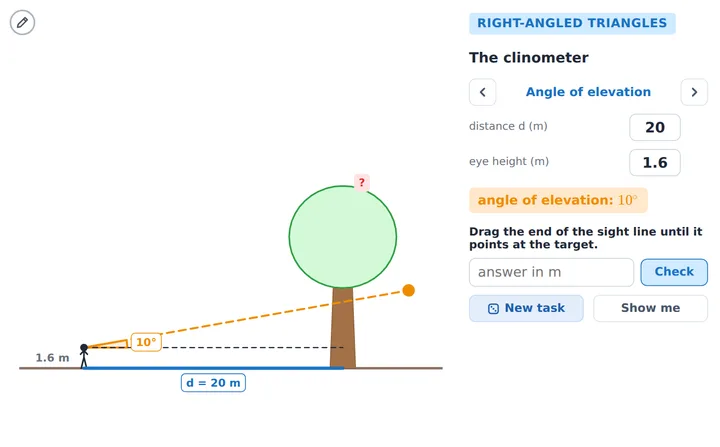
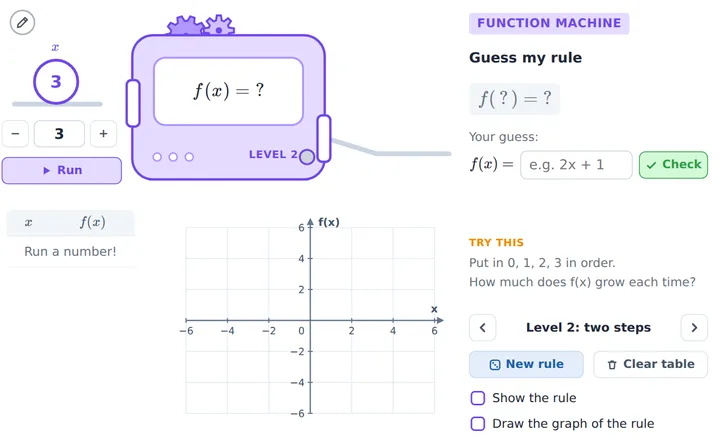
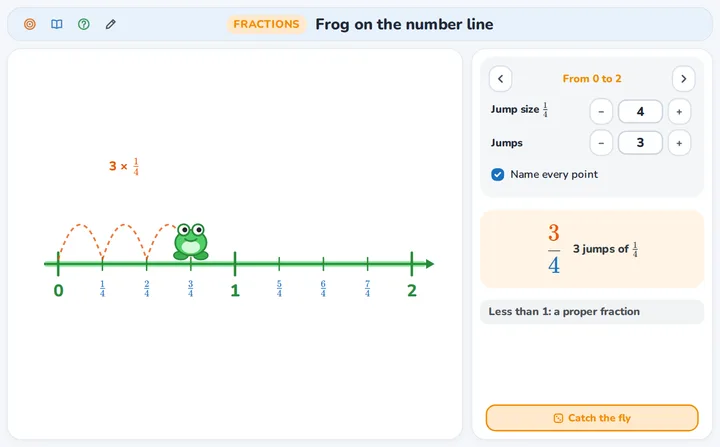
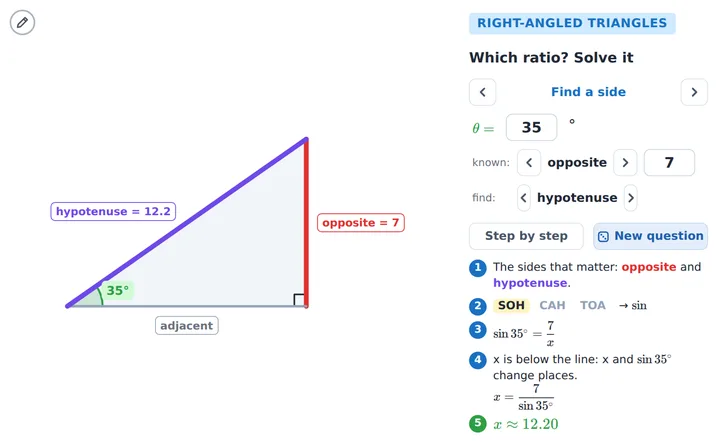
A taste of the applets
Every applet is a real tool: pupils change the numbers, drag the points and check their own answers.
Questions teachers ask
How do my pupils join?
They open the class link, or go to class.interactivelessons.nl and type the class code. Then they type their name. They do not need an account or an email address.
What is the difference between a classroom lesson and an online lesson?
You choose it per class. In a classroom lesson everybody is in the same room: nobody uses sound or a camera (thirty laptops playing the same sound would echo), pupils follow the applet on their own screen. In an online lesson you and your pupils are at home: everybody joins with sound, and cameras can be turned on.
Which data do you keep about pupils?
Nothing that tells who they are. Pupils have no accounts, the name a pupil types is only used during the lesson, and lessons are not recorded. If you make personal links, we keep the names you typed until you delete them.
What is the difference between Basic, Small group and Group?
All subscriptions have all applets and unlimited lessons. They differ in the number of pupils in an online lesson: Basic up to 2, Small group up to 5 and Group up to 10. You can go up at any time; you pay the difference for the rest of the period.